Grounds drafts from your own templates and asks about what your notes left out
Grounds for Business is for companies that send the same kinds of documents again and again: scopes, proposals, change orders, reports. We work out with you which documents those are, set up your templates and the material each one depends on, and build the workflow. Your team drafts in your own formatting, and anything the notes don't answer comes back as a question for the customer.
The examples on this page come from Northgate Remodeling, a made-up kitchen and bath company we use for demos.
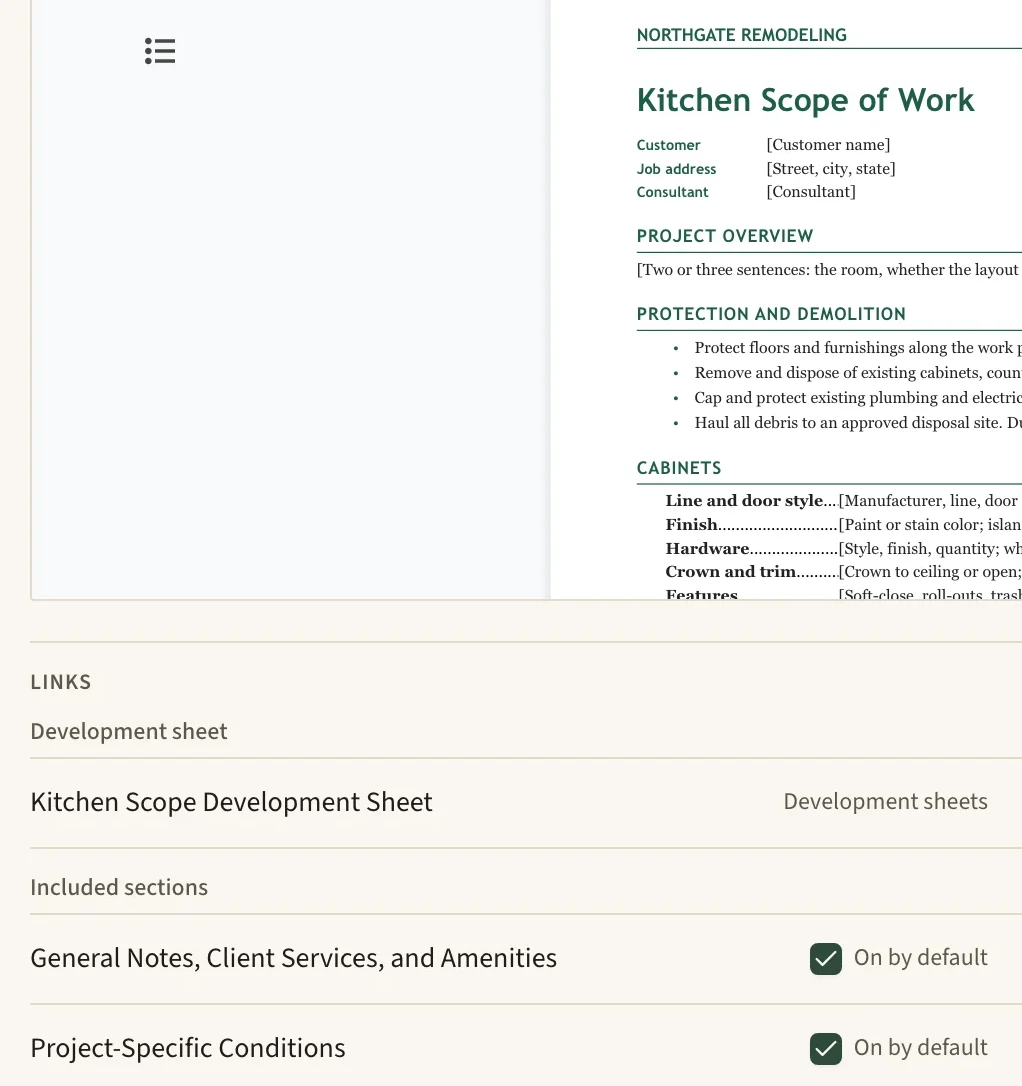
The company's own letterhead, as the template has it.
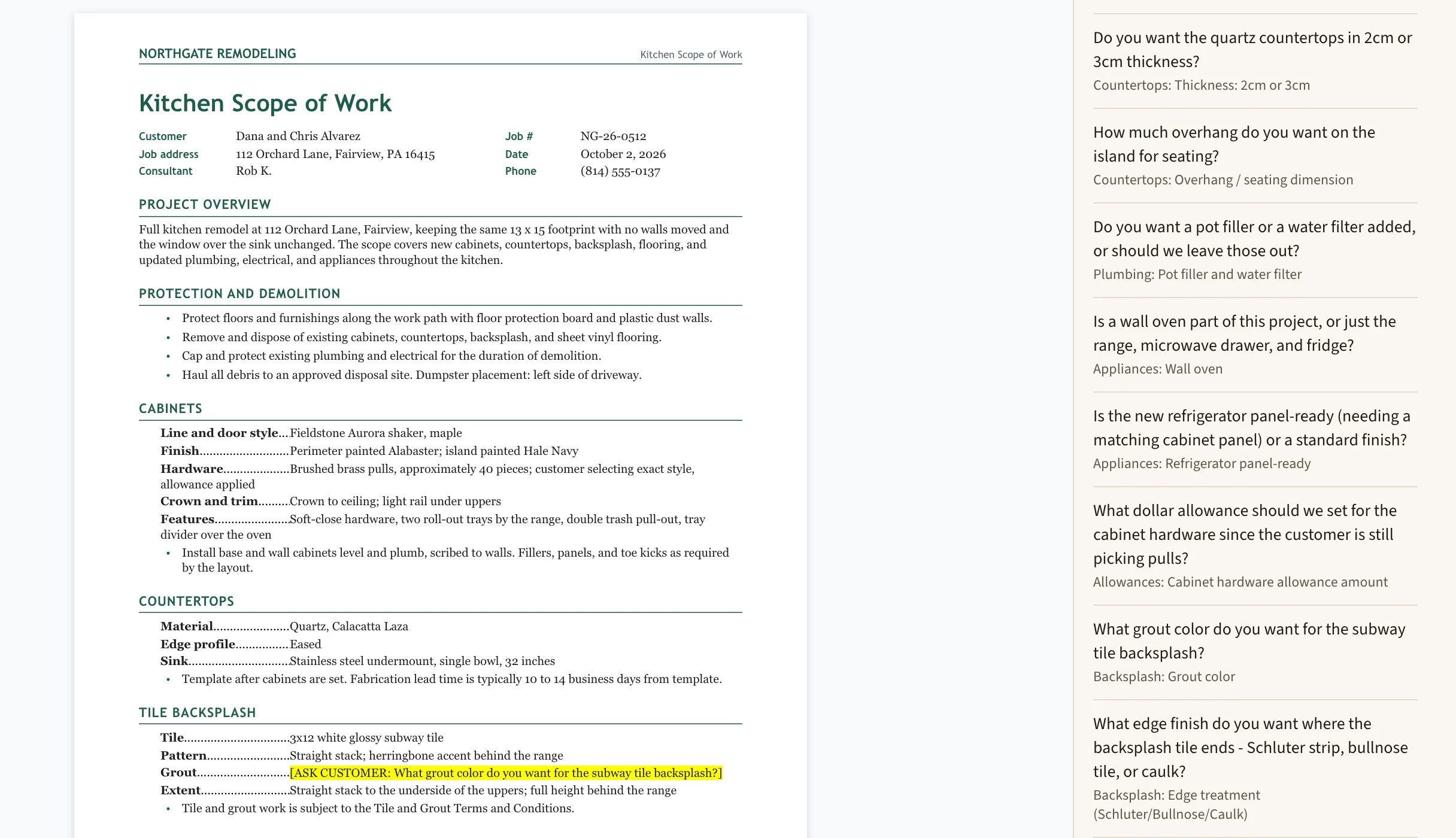
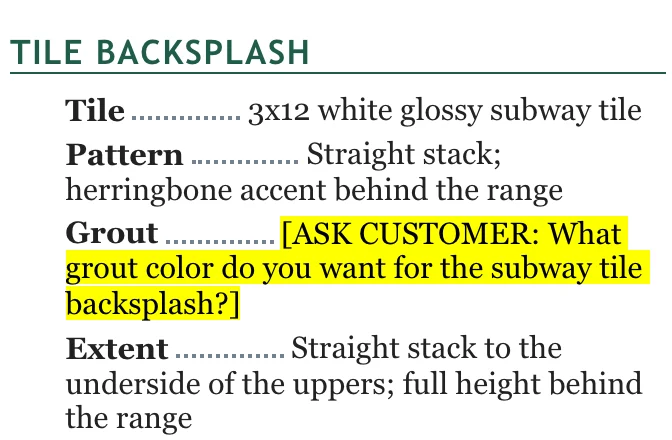
Not in the notes, so it's asked.
Untouched parts of your template come through exactly, and the gaps become questions
A saved workflow names a Word template, the intake sheet it's checked against, and the terms sections that go with it. Drafting fills the template from the job's notes and keeps every block it didn't need to change exactly as it was: fonts, tab leaders, numbering, colors and letterhead. Where the notes leave a blank, it's highlighted in the draft as a question for the customer, and the check against your intake sheet adds questions for anything else on the sheet the notes didn't cover.
- As written in the template37
- Filled from the notes41
- From the general terms21
- Asked of the customer in the draft3
- Left for Northgate to fill in1
Ask about a job and the answer quotes the notes and your own terms
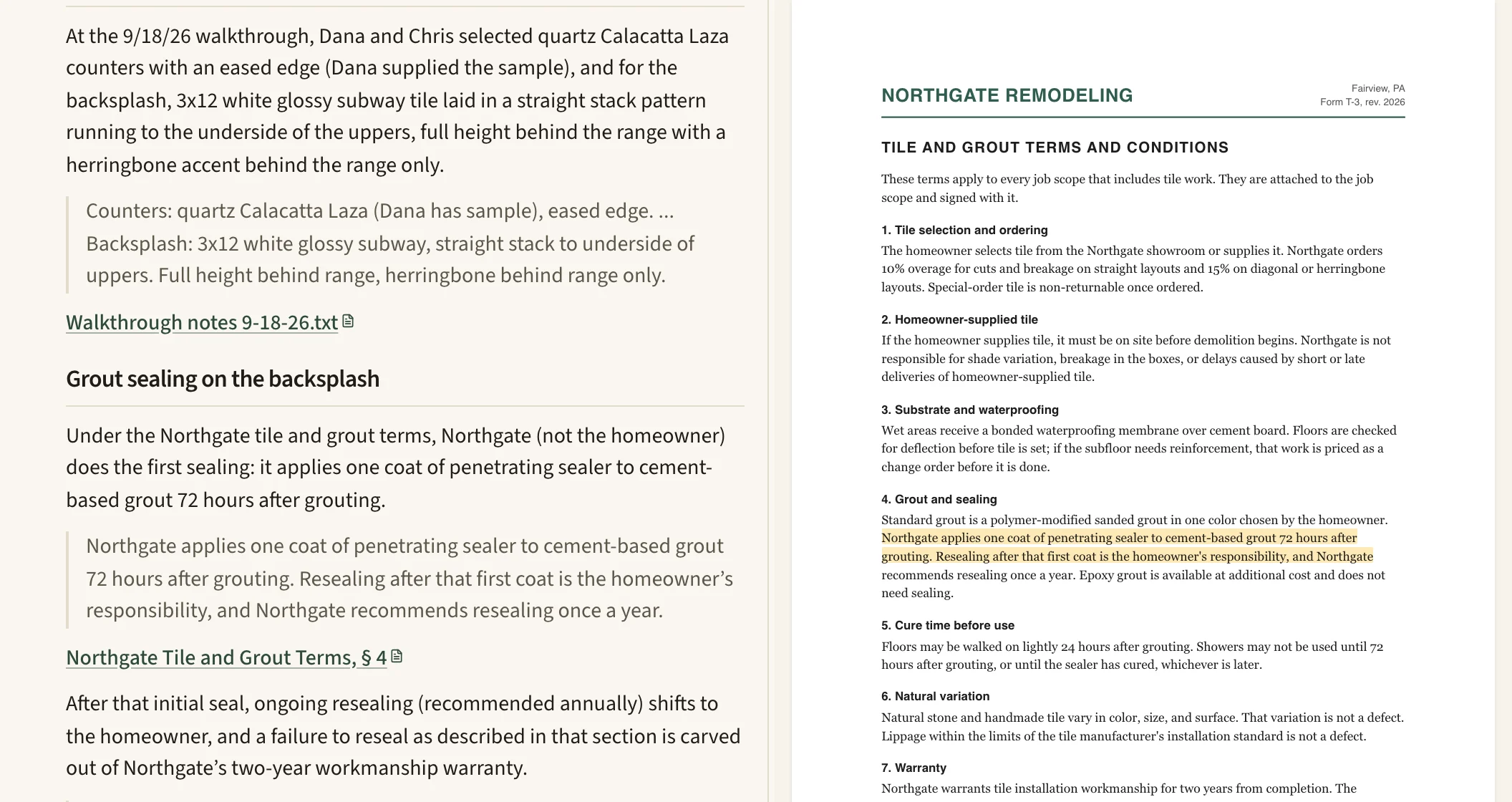
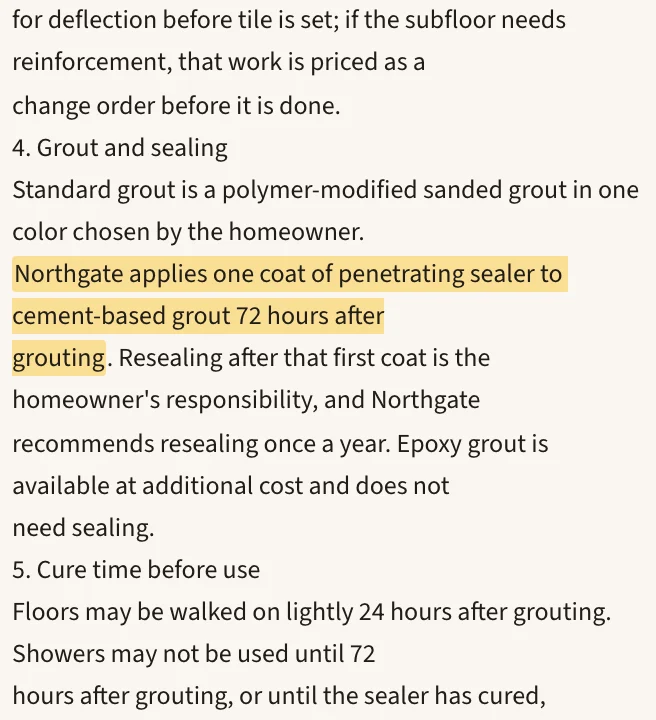
A Northgate consultant asks what the Alvarezes picked for the countertops and backsplash, and who seals the grout. The answer quotes the walkthrough notes and section 4 of the company's tile and grout terms. Opening a citation shows the terms beside the answer, at the highlighted passage.
Your templates, terms and best past work live in one Library, sorted the way your company sorts them
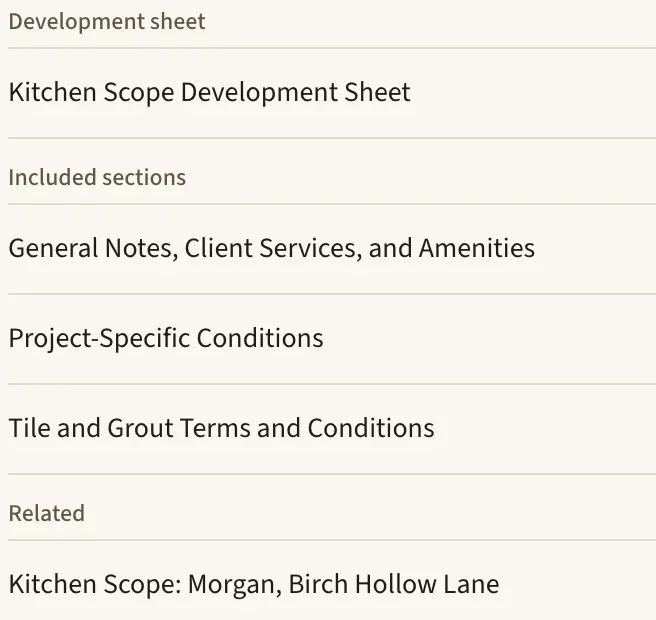
The Library holds Northgate's development sheets (its intake sheets), scope templates, general terms and example scopes, in its own categories. A workflow ties a template to its intake sheet and terms, so the next scope starts from the same place.
Notes from the field come in as photos, typing or a guided visit
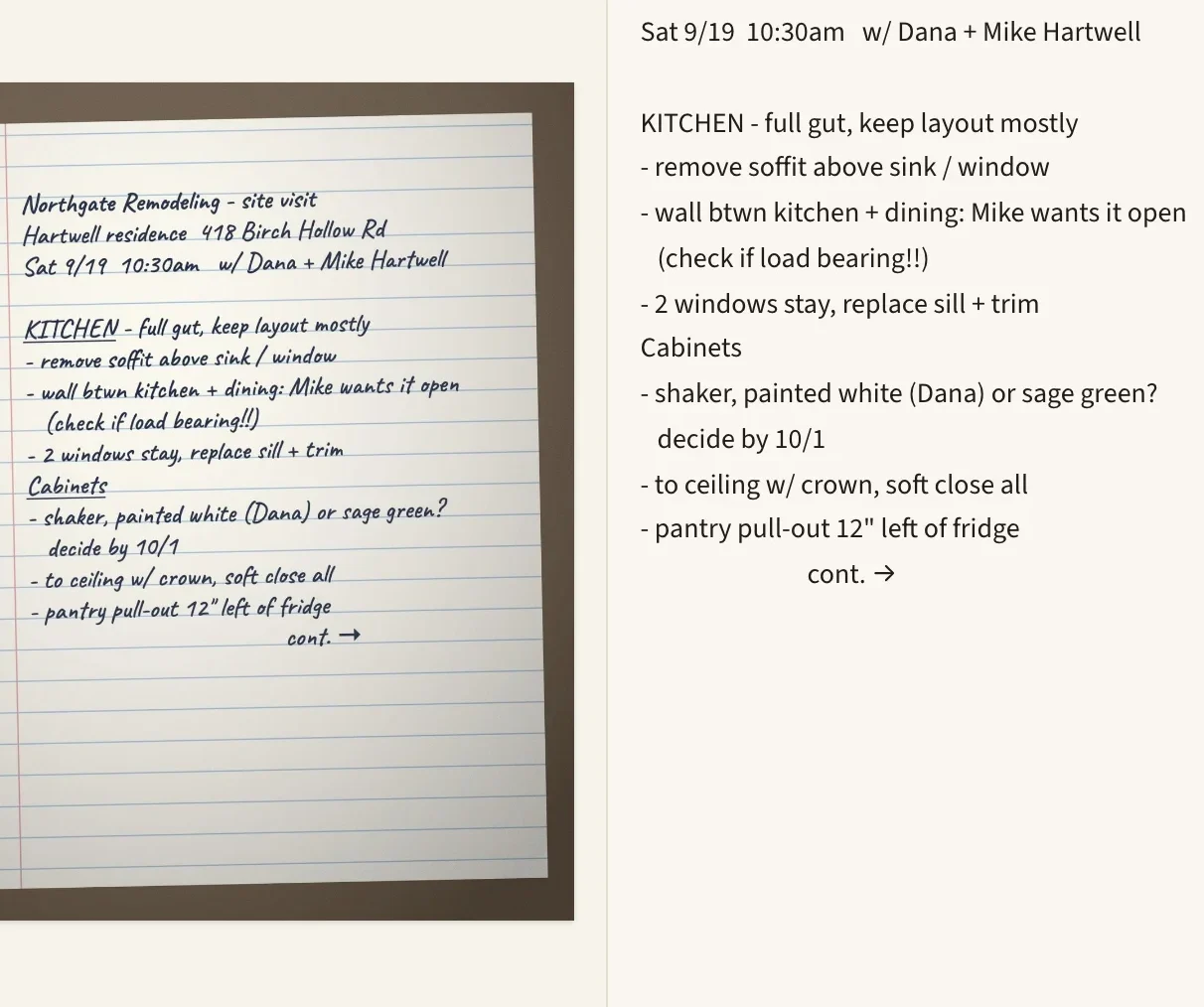
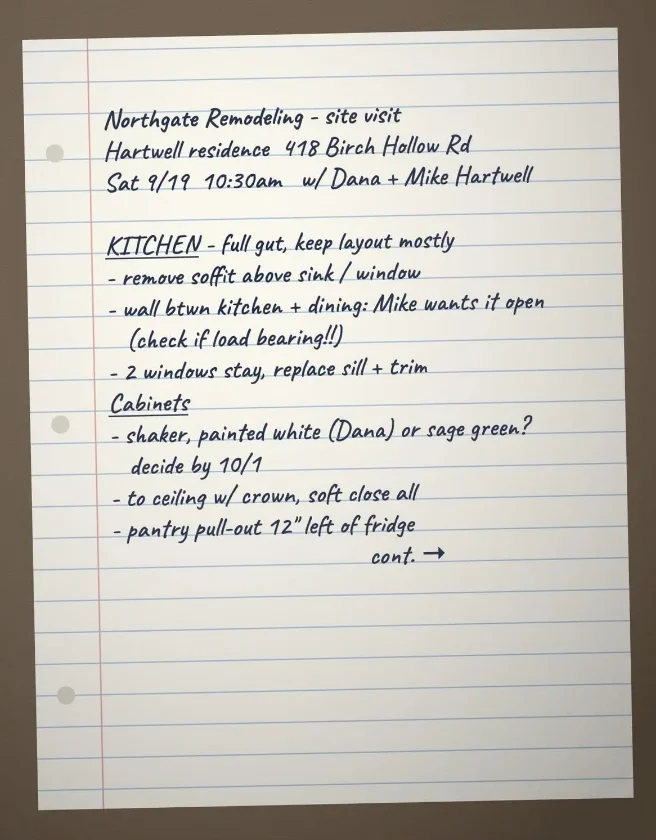
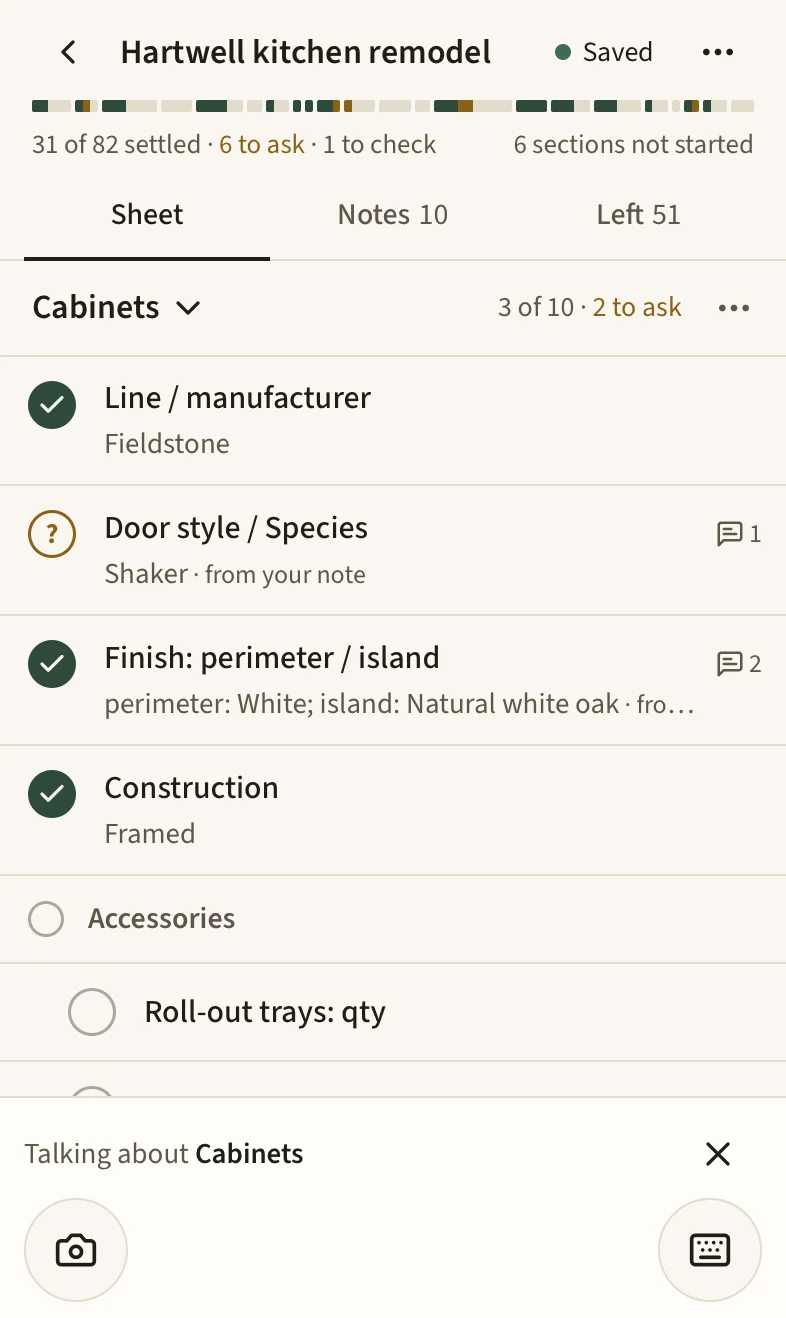
Photograph handwritten notes and each page is typed beside its photo, where anyone can fix a word before it's used in a draft. Construction companies can also run guided visits on a phone or tablet: a checklist built from your own intake sheet, each note filed under the item it answers, and a list of what's still open before you leave the house. Visits keep working without a signal and catch up when the phone is back online.
We set it up with you, using your own documents
We start with the documents your company produces again and again, and what each one depends on: the templates, the strongest past examples, the project details, and who reviews what.
Then we configure the workspace in your words for things, such as jobs and customers, with Library categories that match your documents and saved workflows for the ones you produce most.
Your team starts a document from the right template, the AI prepares a draft from the project's information, and a person reviews and edits it before it goes out.
- Several people can edit the same document at once.
- Schedules and estimates can be .xlsx spreadsheets that the AI fills in.
- PDFs can be combined, made searchable, redacted, stamped and signed, and the original is never changed.
Where your documents are kept, and who can open them
- Storage
- Documents and records are stored with Supabase, our database host, in the U.S. East region.
- Models
- Model calls run on AWS Bedrock under zero-data-retention terms, so the model provider doesn't store what you send or train on it. Web search reaches other services, and only when it's used.
- Encryption
- Document text, summaries, chat messages and drafts are encrypted with your company's own key before they're stored, and every query is scoped to your company.
- Access
- Projects are shared across the company by default. We can restrict one to its team, and the restriction covers pages, search and the AI's own tools. A security log records who opened, downloaded or exported each document.
- Your files
- Drafts download as Word files at any time, and we'll export your company's records on request.
Tell me which documents your team sends most, and what slows them down
I'm Joe Wilbert. I read every note and answer it myself.
Accounts are created by invitation once the workspace is set up. Already have one? Sign in.